UPI AutoPay debit you forgot about? How to spot and stop old mandates
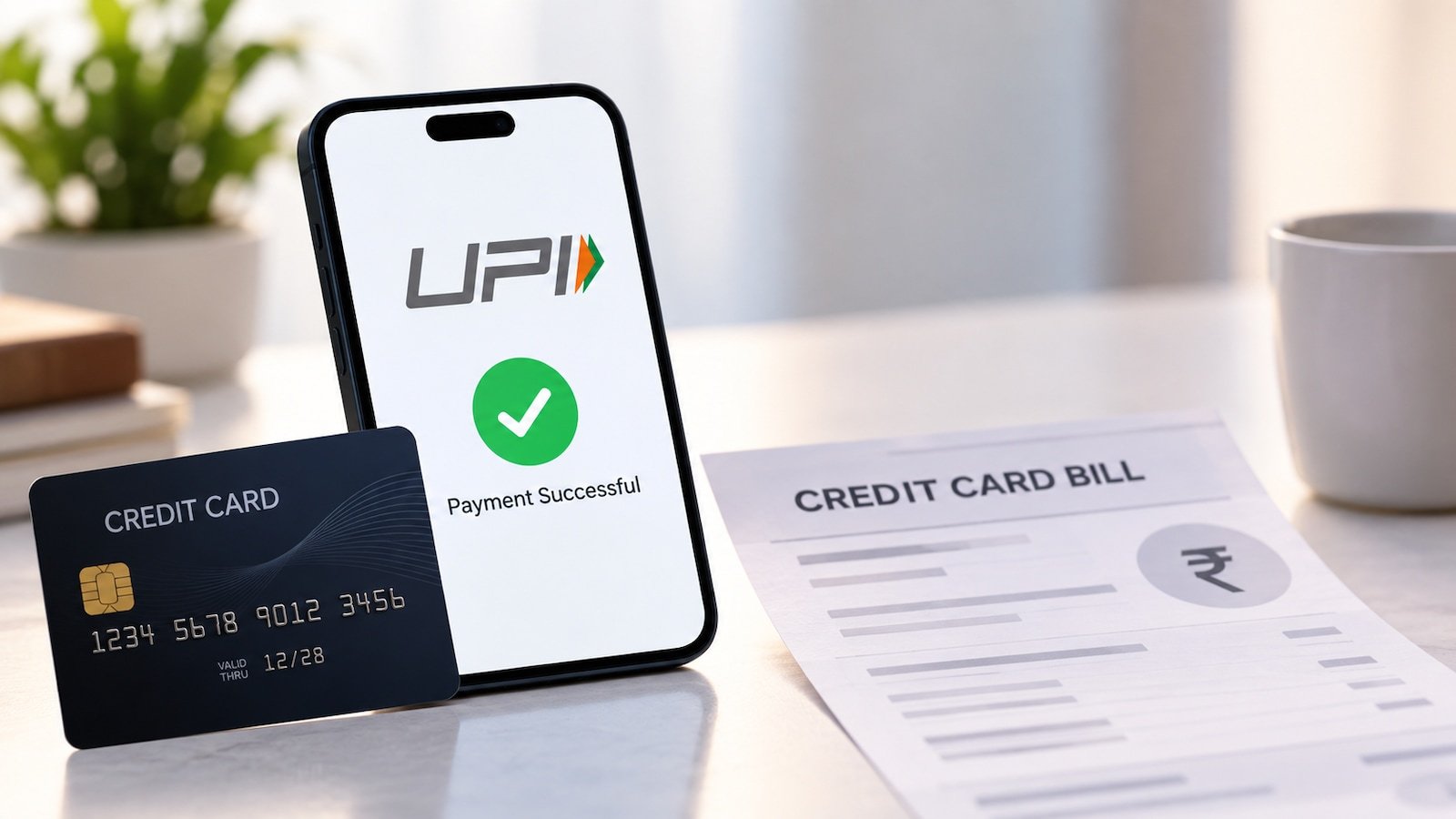
New business data points to the fact that A UPI AutoPay debit can be easy to miss when the amount is small and the payment happens every month. An old OTT subscription, app membership, insurance premium or recurring bill may keep draw money after you stop using the service. The first step is to check the active mandates linked to your UPI accounts, rather than waiting for the next debit to appear in the bank statement.
NPCI’s enhanced UPI AutoPay framework allows users to view active mandates through a UPI app, with the relevant option available under “Manage Bank Accounts” or a dedicated “UPI AutoPay” section, depending on the app. Users can additionally pause, modify or revoke mandates.
How to find forgotten UPI mandates
Open your UPI app and look for the UPI AutoPay or mandate-management section. The menu name can differ between apps. Check the merchant or service provider, the mandate amount or maximum amount, payment frequency, validity period and the bank account linked to it.
Do not rely only on your list of current subscriptions. A mandate can stay active even if you no longer remember the service that created it. Your bank statement can additionally help. Look for recurring debits and match them with the mandate details shown in the UPI app.
If you use more than one UPI app, checking has traditionally been inconvenient because mandates could be spread across apps. Under NPCI’s enhanced framework, users can view active UPI AutoPay mandates through any participating UPI app, making mandate management more centralised.
Select the mandate you no longer need and choose the option to revoke or cancel it. The app may ask you to authenticate the action with your UPI PIN. NPCI’s framework requires UPI PIN authentication for payer-initiated AutoPay operations.
Deleting a merchant app, logging out of a service or removing a UPI app from your phone should not be treated as a substitute for revoking the mandate. If you have stopped a subscription, check whether the service itself additionally requires cancellation. Cancelling the UPI mandate stops future debits through that instruction, but it does not automatically reverse payments that have already been deducted.
RBI’s e-mandate framework requires a pre-debit notification to be sent at least 24 hours before the actual recurring debit in covered transactions. This gives customers an opportunity to notice a scheduled payment and act before the money leaves the account.
The recurring-payment rules have additionally changed over time. RBI boosted the general limit for subsequent recurring transactions without an additional authentication factor from Rs. 5,000 to Rs. 15,000 in 2022. For certain categories, including mutual fund subscriptions, insurance premiums and credit card bill payments, the limit was later boosted to Rs. 1 lakh per transaction.
What to do if money was already debited
First, check the mandate details and identify the merchant. If the debit was authorised under an active mandate, cancelling it will generally prevent future deductions but will not by itself refund an earlier payment. For a payment you did not authorise, contact your bank or UPI service promptly and raise a dispute through the appropriate channel.

Karnataka issues order for Rs 25 cr ‘Government First’ initiative to support 100 startups

Personal loan approval: Why your debt-to-income ratio can make or break the application

RBI issues draft KYC proposal: Temporary debit holds on suspected money mule accounts, sets timelines
About The Author
